 Wallet
QoreX: the wallet that makes post-quantum security invisible
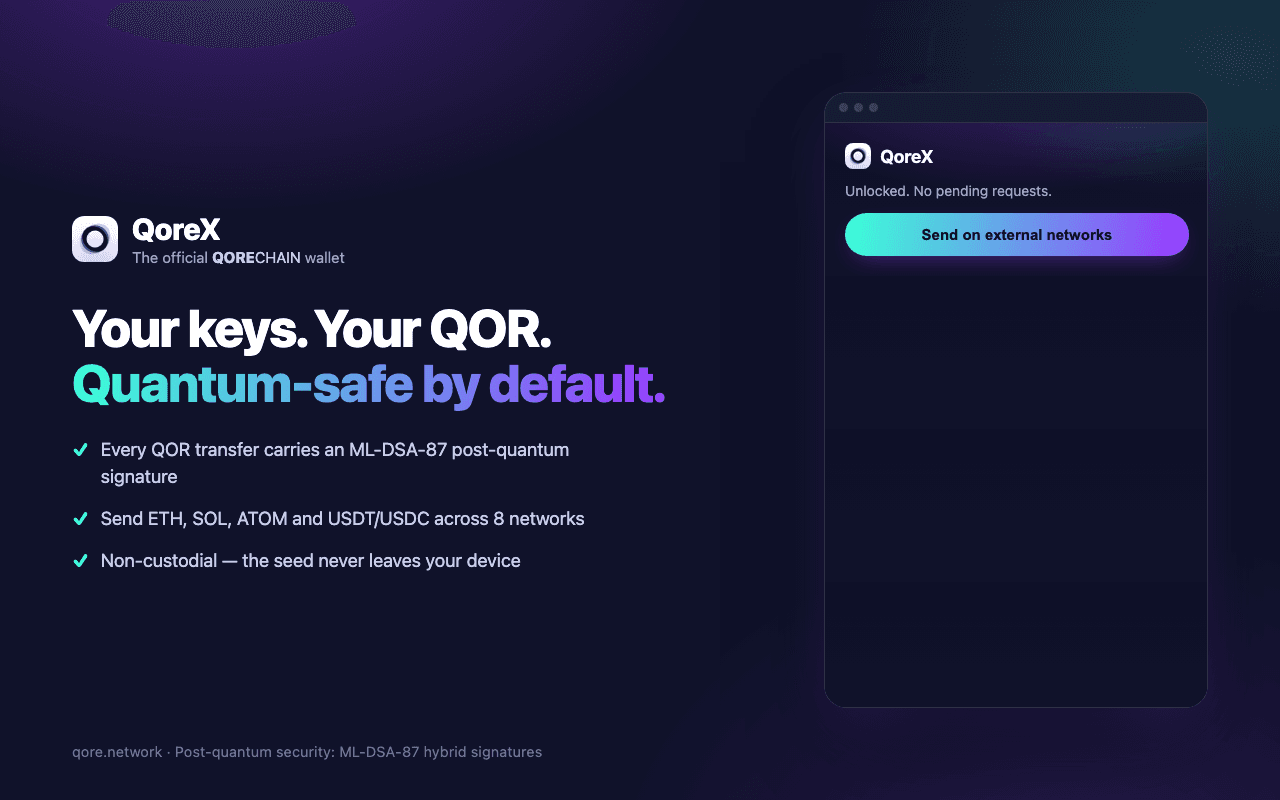
QoreX is the official QoreChain wallet. Non-custodial and post-quantum by default: every QOR transfer is signed with mandatory ML-DSA-87 (FIPS 204). It speaks the three standards Web3 apps already use, EVM, Cosmos and Solana, so existing dApps work unmodified. Keys never leave your device. No analytics, no tracking, no data collection.

Mobile
Android iOS (beta)Join the beta
Android is a public release · iOS is an open beta with limited places
Chrome and Firefox · macOS 10.14+ · free and non-custodial
Security you don't have to think about
Post-quantum by default
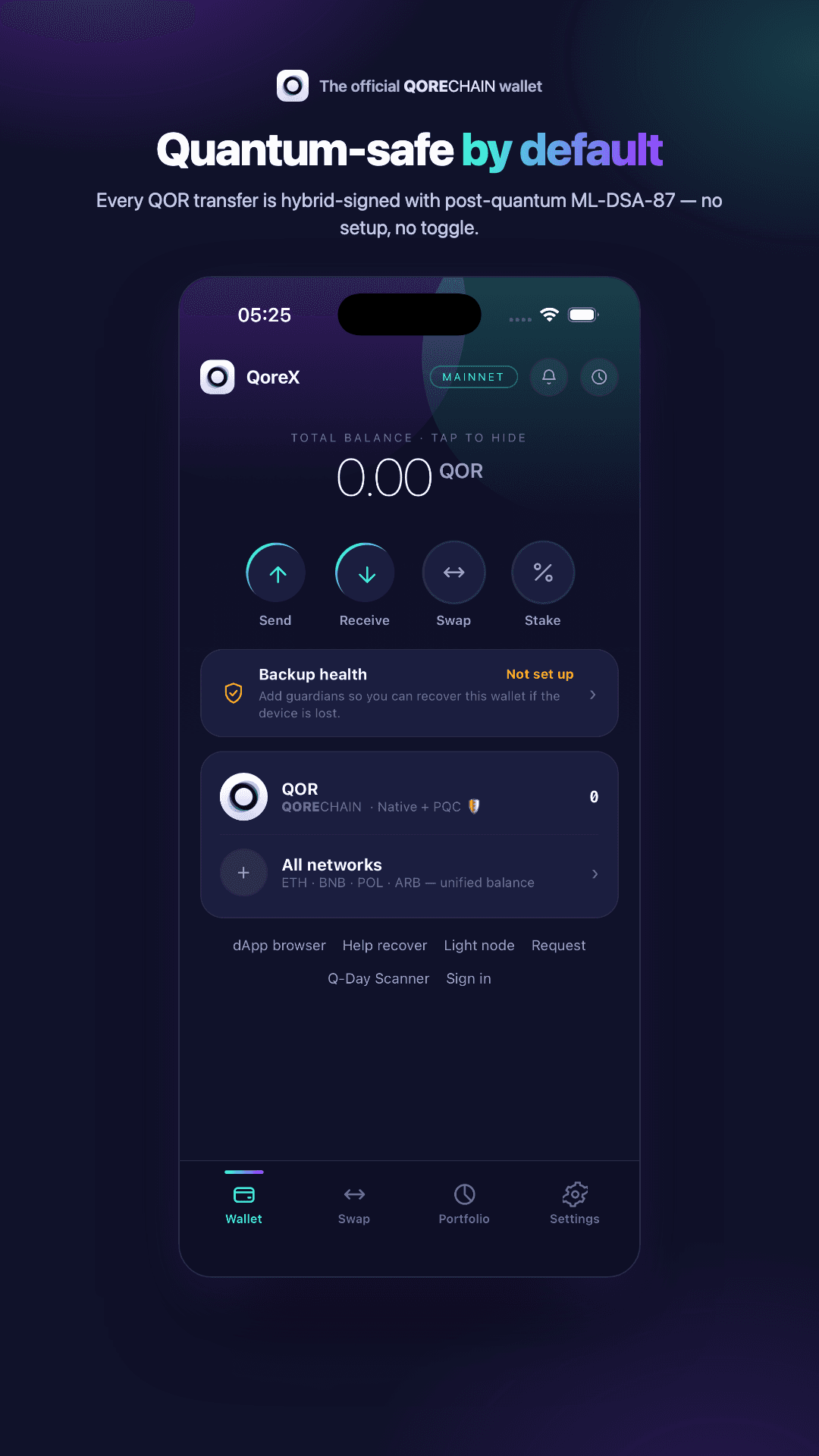
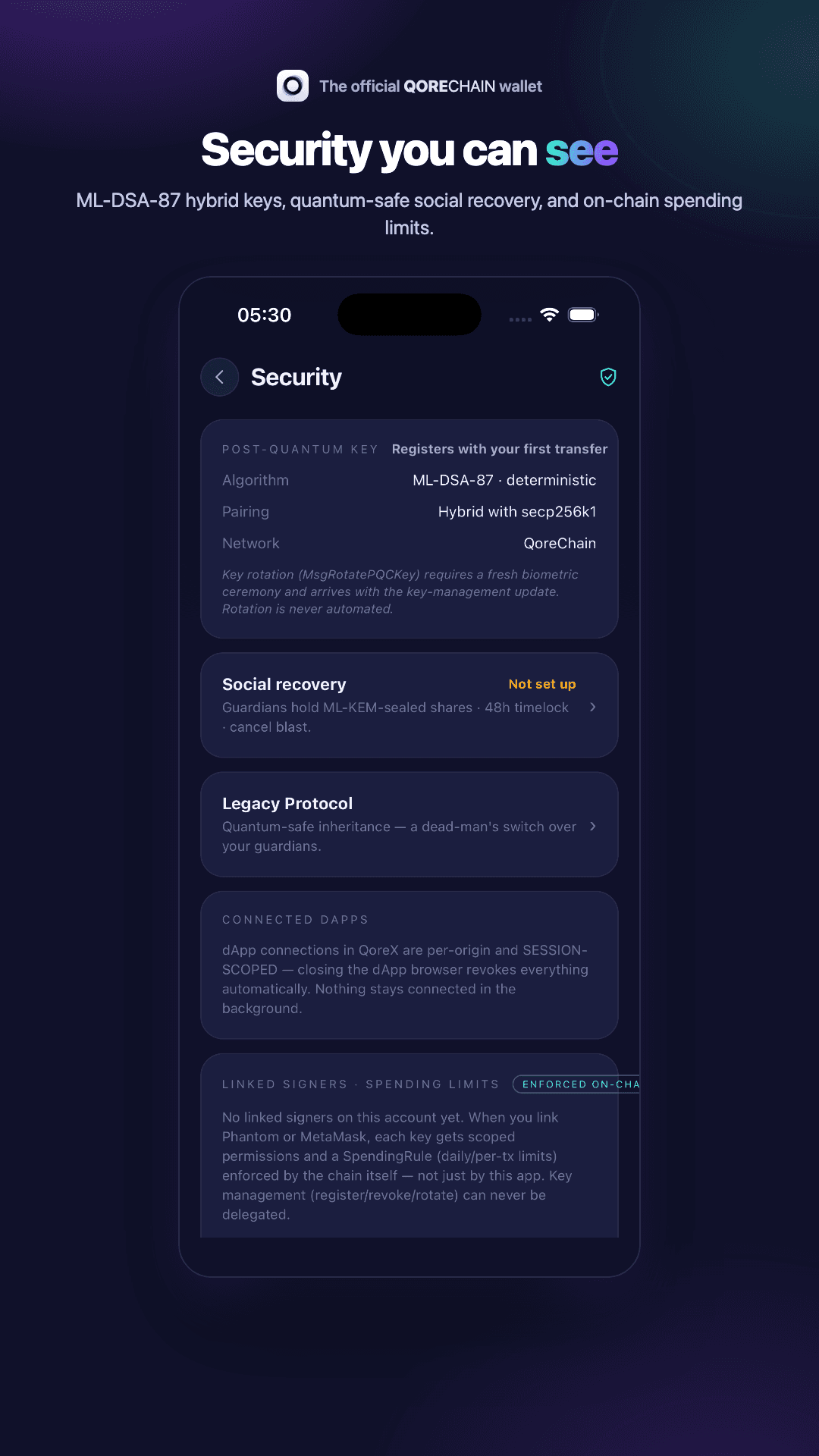
Every QOR transfer is signed with mandatory ML-DSA-87 (FIPS 204). There is no legacy signing mode to fall back to.
Speaks EVM, Cosmos and Solana
QoreX supports the three standards Web3 apps already use, so existing dApps work unmodified.
Non-custodial, zero tracking
Keys never leave your device. No analytics, no tracking, no data collection.
Crypto without the homework
QoreX on Android and iPhone removes the rituals that scare people away from self-custody, without removing your control.
No seed-phrase ceremony
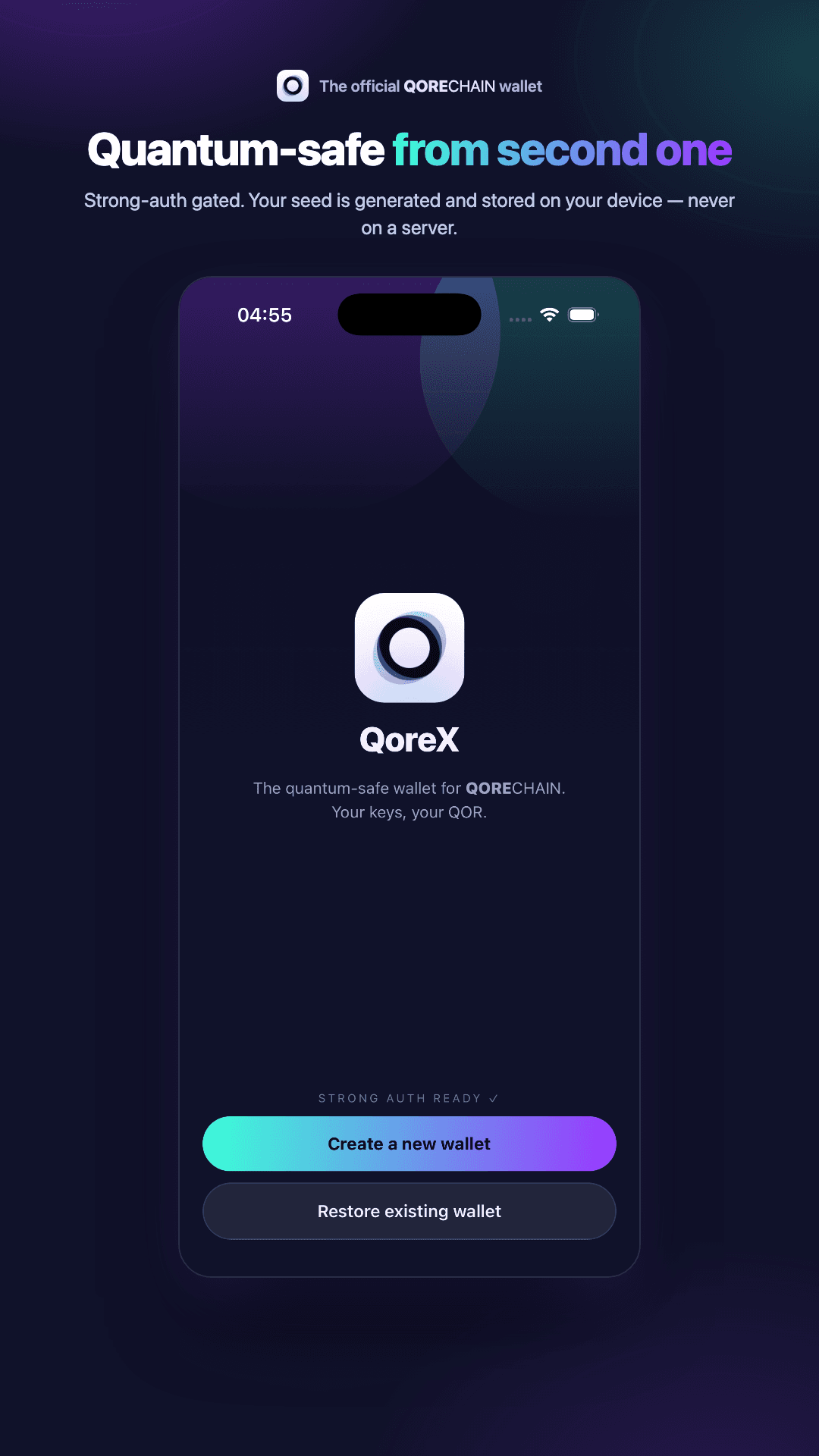
QoreX creates your wallet without making you copy 24 words onto paper. Keys are generated in the device secure element, and recovery is social: 2 of 3 guardians you choose hold encrypted shares, sealed with post-quantum ML-KEM. The classic recovery phrase still exists for those who want it: you can export it any time, behind biometric confirmation and explicit warnings.
Q-Day Scanner
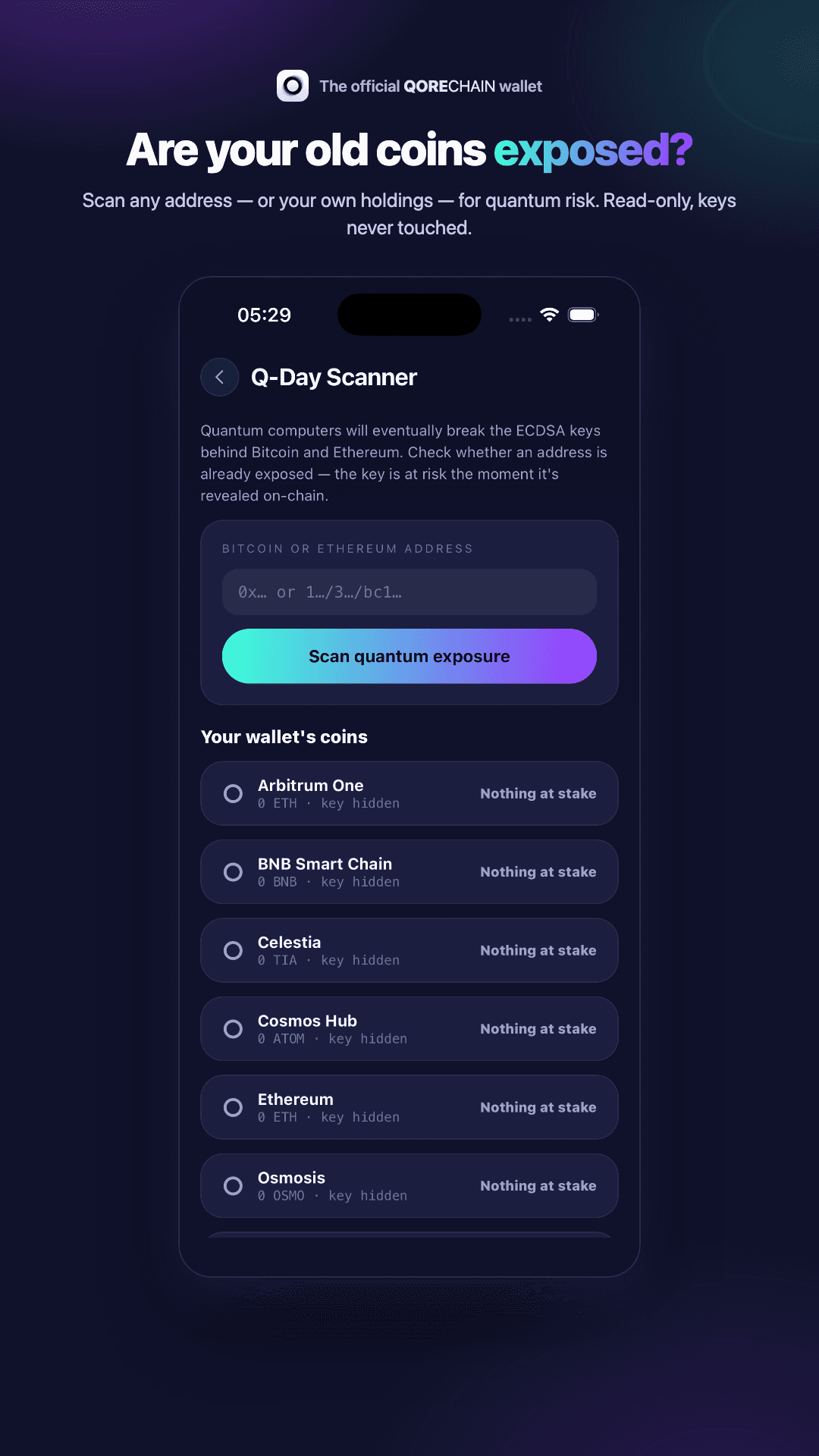
Quantum computers will eventually break the ECDSA keys behind Bitcoin and Ethereum. Paste any address, or scan your own holdings, and QoreX tells you factually whether a key is already exposed on-chain. Read-only: it never touches a private key.
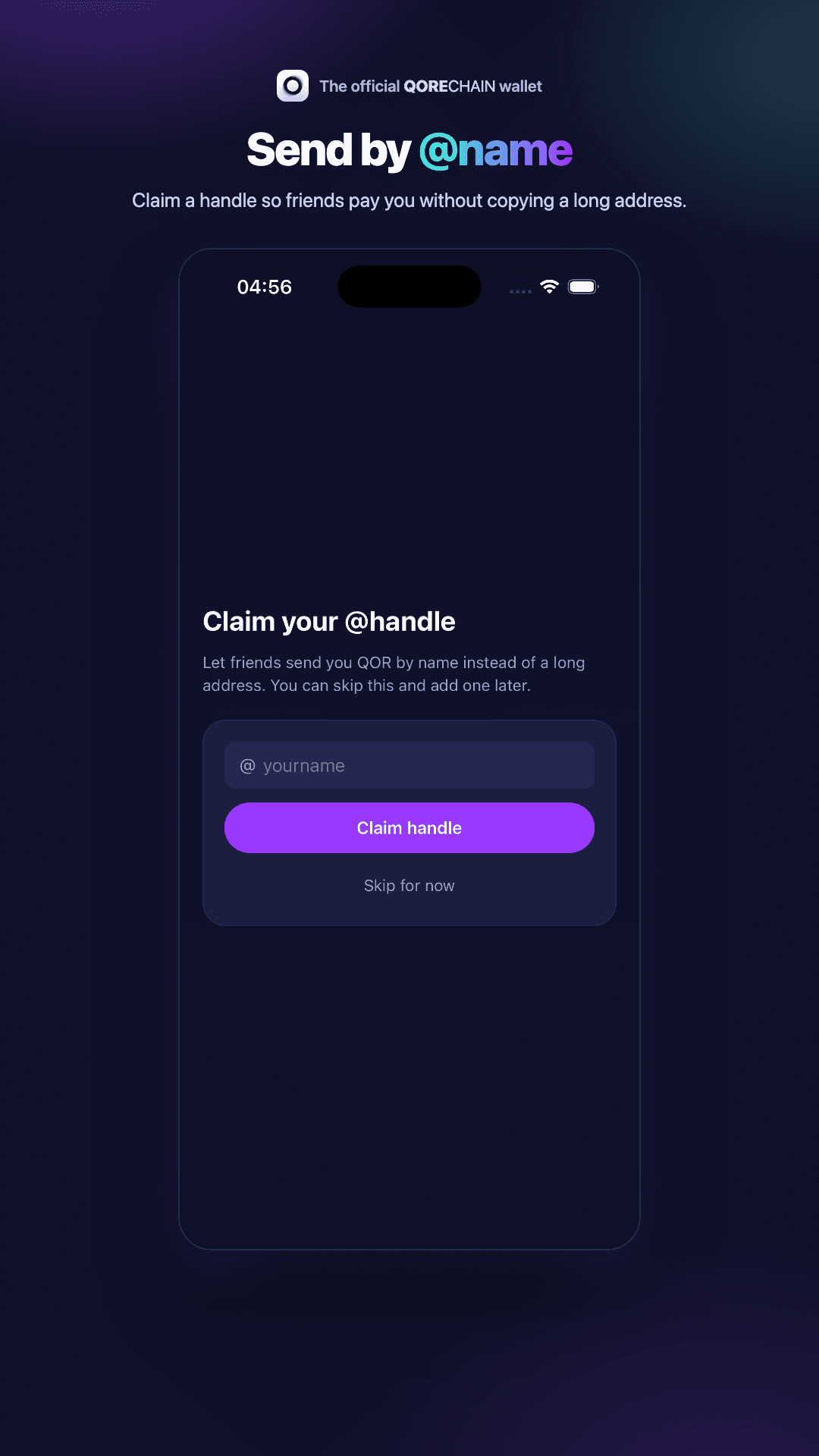
Send by @name
Claim a handle once and friends pay you by name instead of a 40-character address. Optional, skippable, and it works across the QoreChain network.
Fewer clicks, more truth
The Chrome and Firefox extension is built around one idea: what you use daily should be one click away, and what you sign should be impossible to misread.
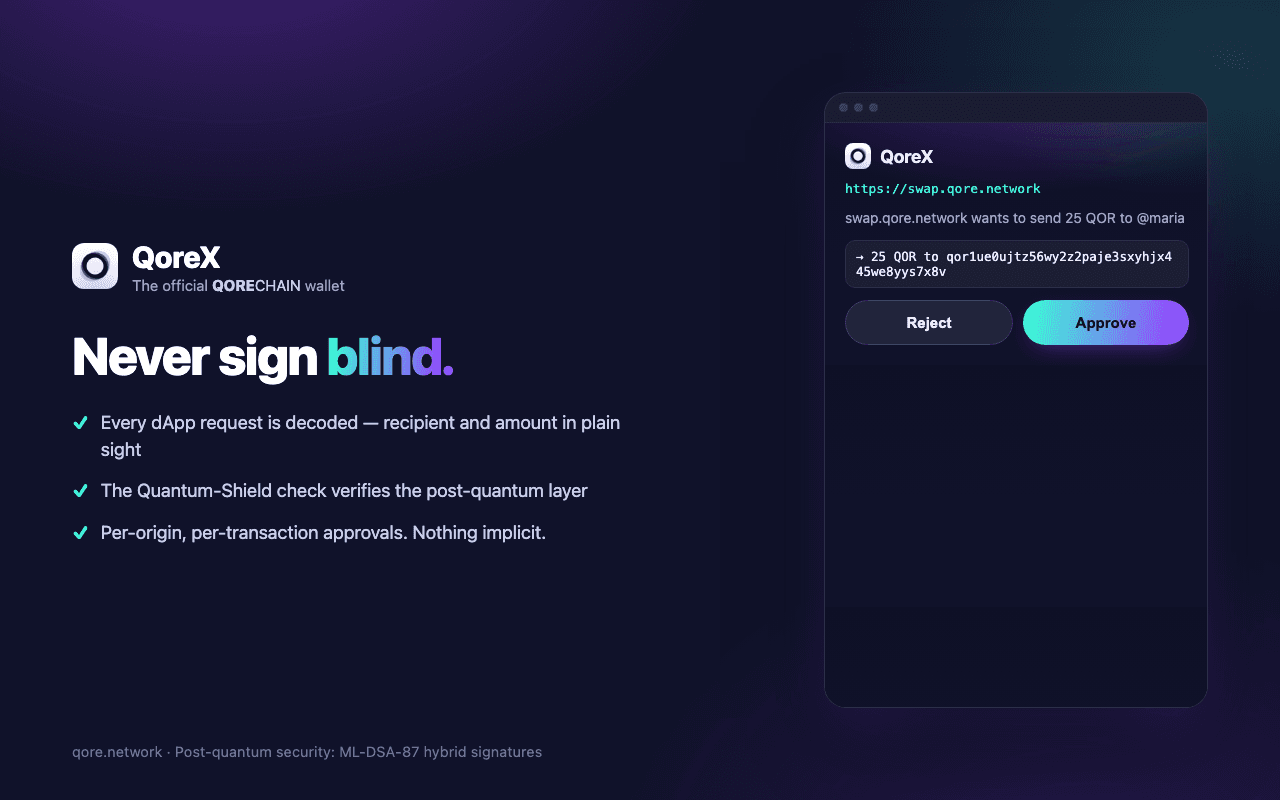
Never sign blind
Every dApp request is decoded before you approve it: recipient, amount, and the programs involved, in plain sight. Approvals are per-origin and per-transaction. Nothing is implicit, and nothing takes fifty clicks: your current activity sits right in the popup.
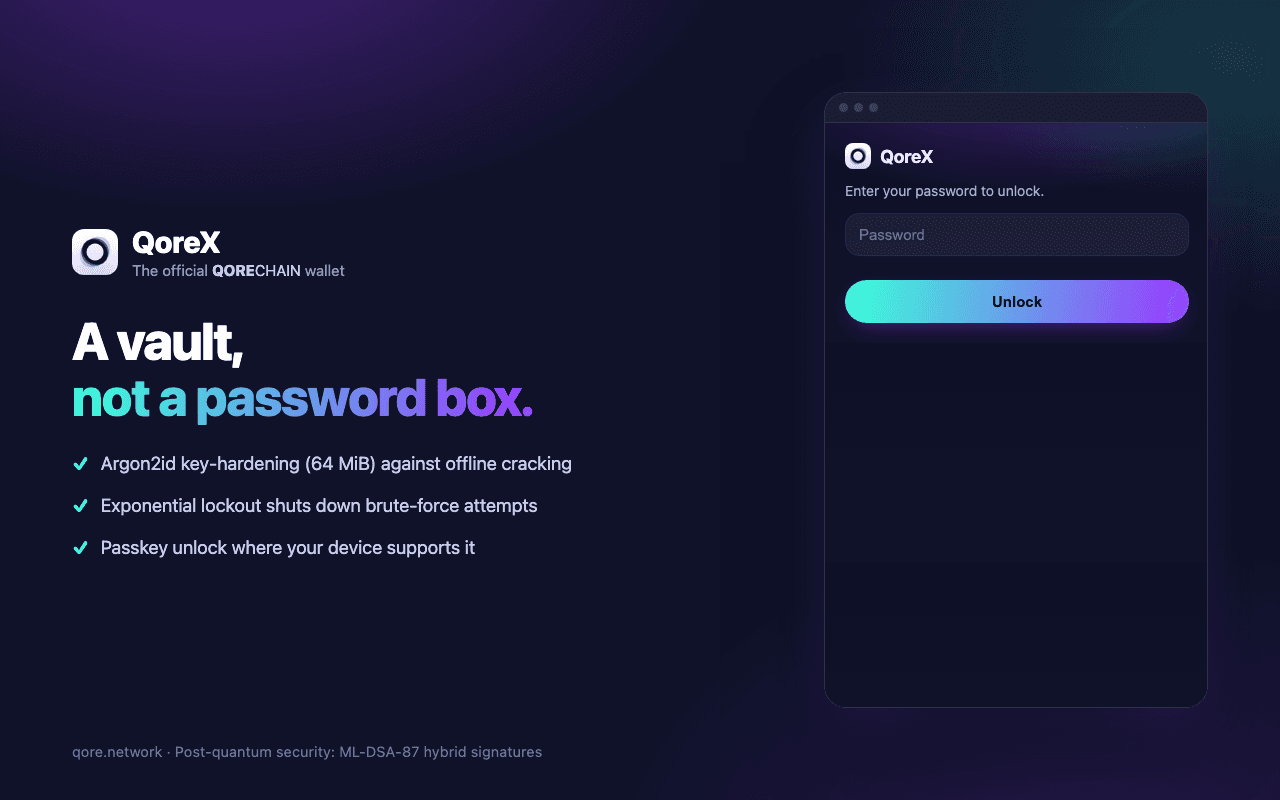
A vault, not a password box
The seed is sealed with Argon2id key derivation, not a lookup table. On Chrome and Edge you can enrol a passkey and unlock with Face ID, a fingerprint, or a security key; the password always remains as fallback. Wrong guesses hit a lockout, not a retry loop.
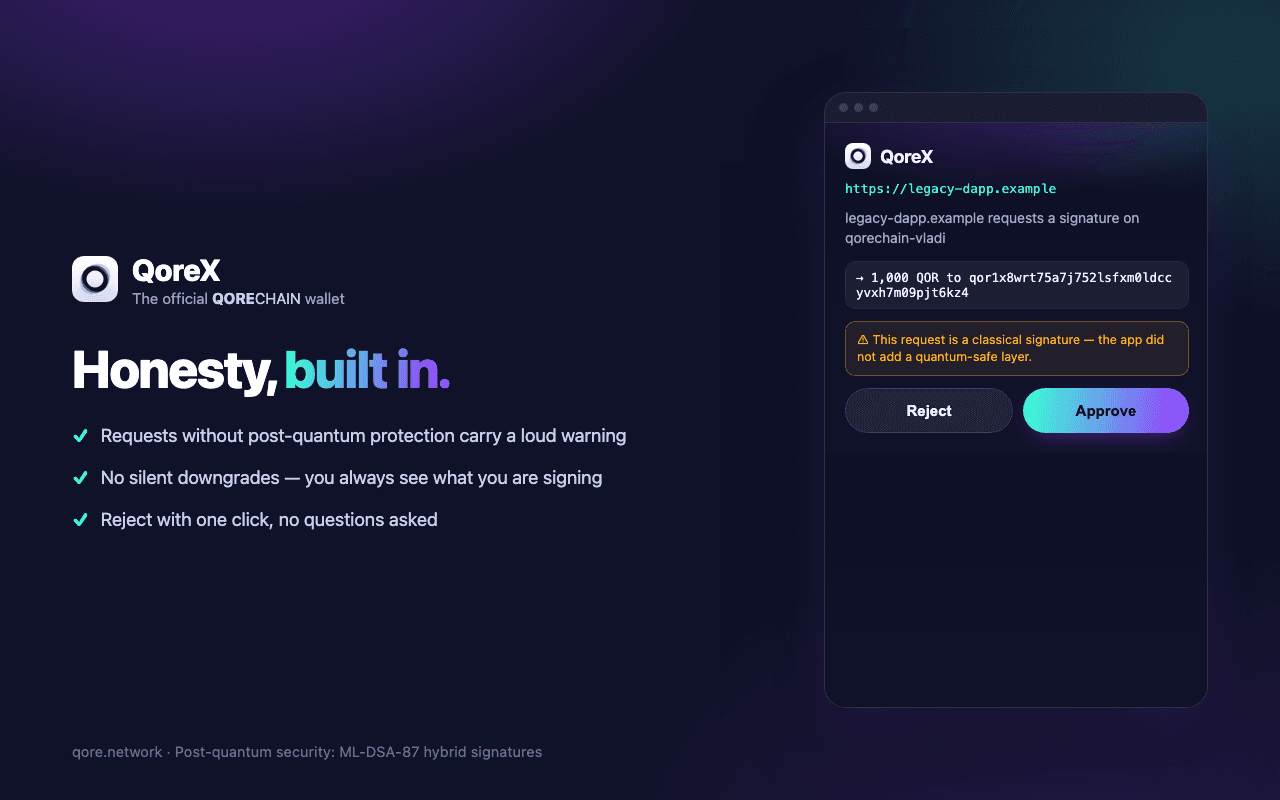
Honesty built in
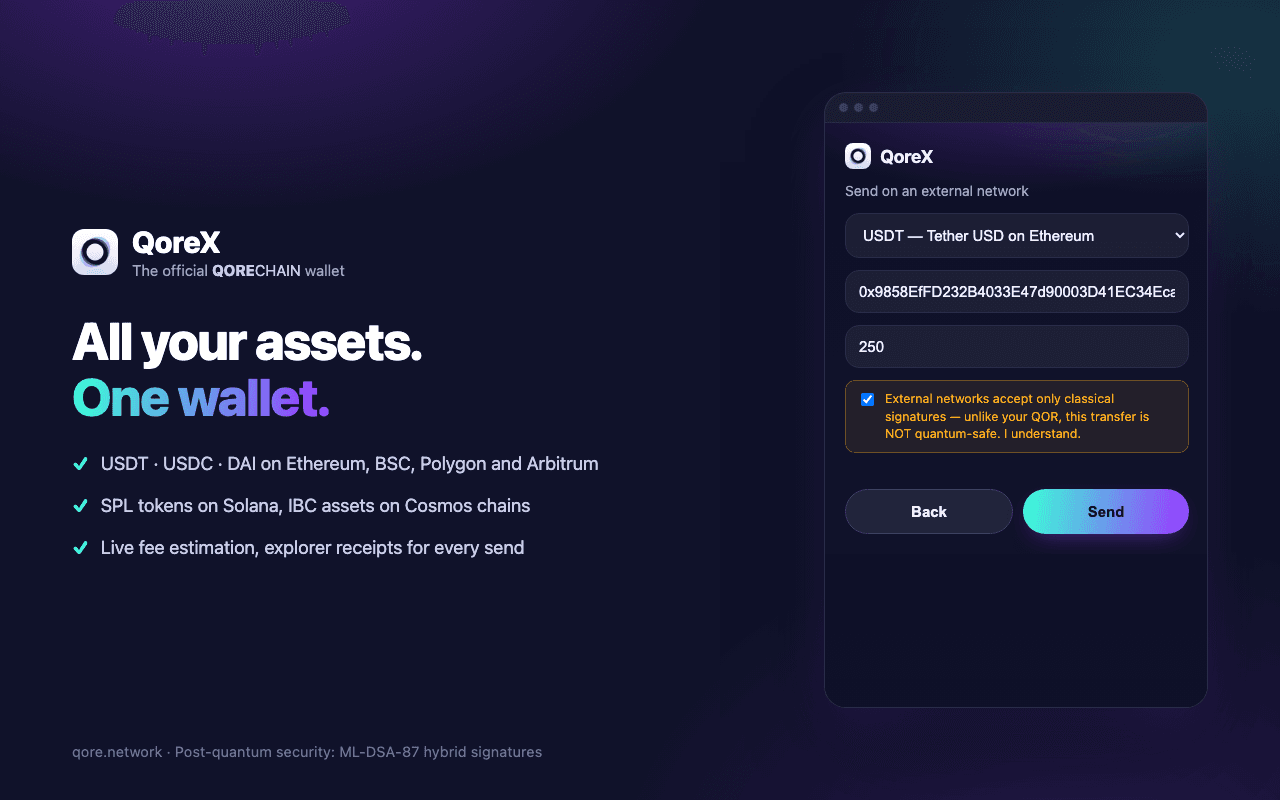
QoreX refuses to fake what it cannot verify. Signatures on external networks are labelled classical; the post-quantum lane is reserved for QOR, where it is mandatory. Features appear only when the chain actually supports them.
The dashboard finds QoreX by itself
Open dashboard.qorechain.io with the extension installed and the dashboard detects it automatically: no manual setup, no copy-pasting keys. Pairing is a single cryptographic approval inside QoreX, and the bridge only ever answers the dashboard's origin, so no other site can use it.
Install the extension
Chrome or Firefox, one click from the store.
Open the dashboard
It detects QoreX on its own and offers Connect with QoreX.
Approve once, in QoreX
One signed proof pairs your account. Transfers proposed by the dashboard still require your explicit approval, every time.
See QoreX in action
Already have QoreX?
Open the QoreChain dashboard to manage your account, delegate, or use QCAI tooling.
Open Dashboard